

Most cloud storage is rented: stop paying and your files go with the subscription. This pCloud review looks at a service built around a different idea. pCloud sells yearly plans like everyone else, but it also offers Lifetime plans where a single payment buys storage you keep. Add Swiss privacy rules, client-side encryption and a long list of practical features, and you get one of the more interesting alternatives to Google Drive and Dropbox in 2026. Below we break down how it works, where it shines, where it costs extra, and which plan makes sense for which kind of user.
pCloud at a Glance
| Category | Details |
|---|---|
| Headquarters | Switzerland (operating since 2013) |
| User base | More than 24 million people in 130+ countries |
| Reported uptime | 99.98% |
| Encryption | TLS/SSL in transit, 256-bit AES at rest; optional zero-knowledge pCloud Encryption add-on |
| Data regions | Europe or United States (your choice) |
| Apps | Windows, Mac, Linux, iOS, Android and web browser |
| File size limit | None, with no speed throttling |
| Recovery window | 30 days of trash and version history |
| Lifetime pricing | From $199 (500GB) |
| Refund policy | 14-day money-back guarantee |
Who Is Behind pCloud?
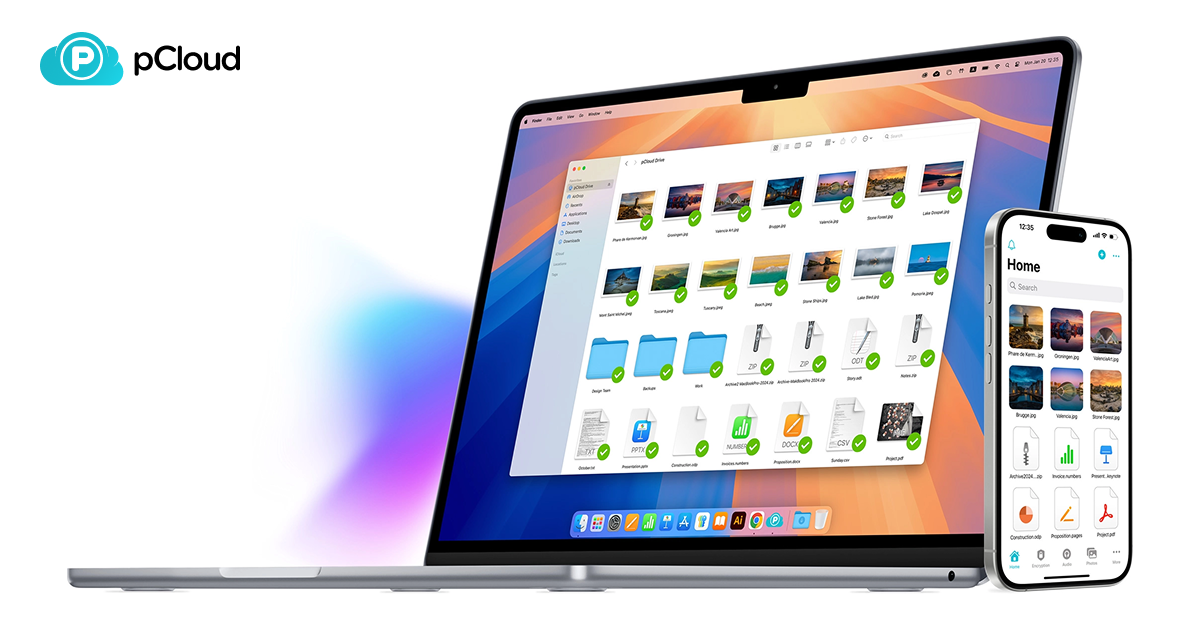
pCloud is a Swiss company that launched its storage platform in 2013. Over more than a decade it has grown to over 24 million users, and the company reports that 989 billion files have been uploaded to its servers. Those servers sit in certified data centers, and customers decide whether their data lives in the EU or the US, a choice many larger providers simply don't give you.
The Swiss base is more than a marketing detail. Switzerland has some of the strictest privacy legislation anywhere, which puts pCloud in a different position from US-headquartered providers that can be subject to broad government data requests. If you care about where your documents legally reside, this is the first point in pCloud's favor.
Security and Privacy: The Strongest Part of the Package
Every pCloud account gets two layers of standard protection. Files travel over TLS/SSL connections, and once stored they are encrypted with 256-bit AES, the same cipher banks and governments rely on. pCloud also states that no third parties can access your files and that it doesn't track you or serve ads based on your data.
pCloud Encryption (Crypto): Zero-Knowledge on Request
The standout security option is pCloud Encryption, sometimes called pCloud Crypto. It encrypts files on your own device before they upload, so the keys never leave your hands and even pCloud cannot read the contents. This zero-knowledge approach is something most mainstream providers don't offer at all.
The catch: it is a paid add-on, not part of the base plans. In practice that is reasonable, because not everyone needs it. It earns its price if you store tax records, contracts, medical paperwork or confidential client material. One general rule with any zero-knowledge system: if you lose your encryption password, nobody can recover those files for you, so store it in a password manager.
Handling Large Files, Versions and Mistakes
pCloud puts no cap on individual file size and doesn't throttle transfers, so uploads run as fast as your internet line allows. That sounds like a small detail until you try to move a multi-gigabyte video project or a folder of RAW photos through a service that chokes on big files or charges more to handle them.
File versioning is included in every plan, and pCloud keeps a 30-day window of trash and version history. If you overwrite a spreadsheet with the wrong data or delete a folder by accident, you have a full month to roll it back. Think of it as an undo button for your whole drive, the kind of feature you only appreciate after the day you need it.
Sharing Tools for Freelancers and Teams
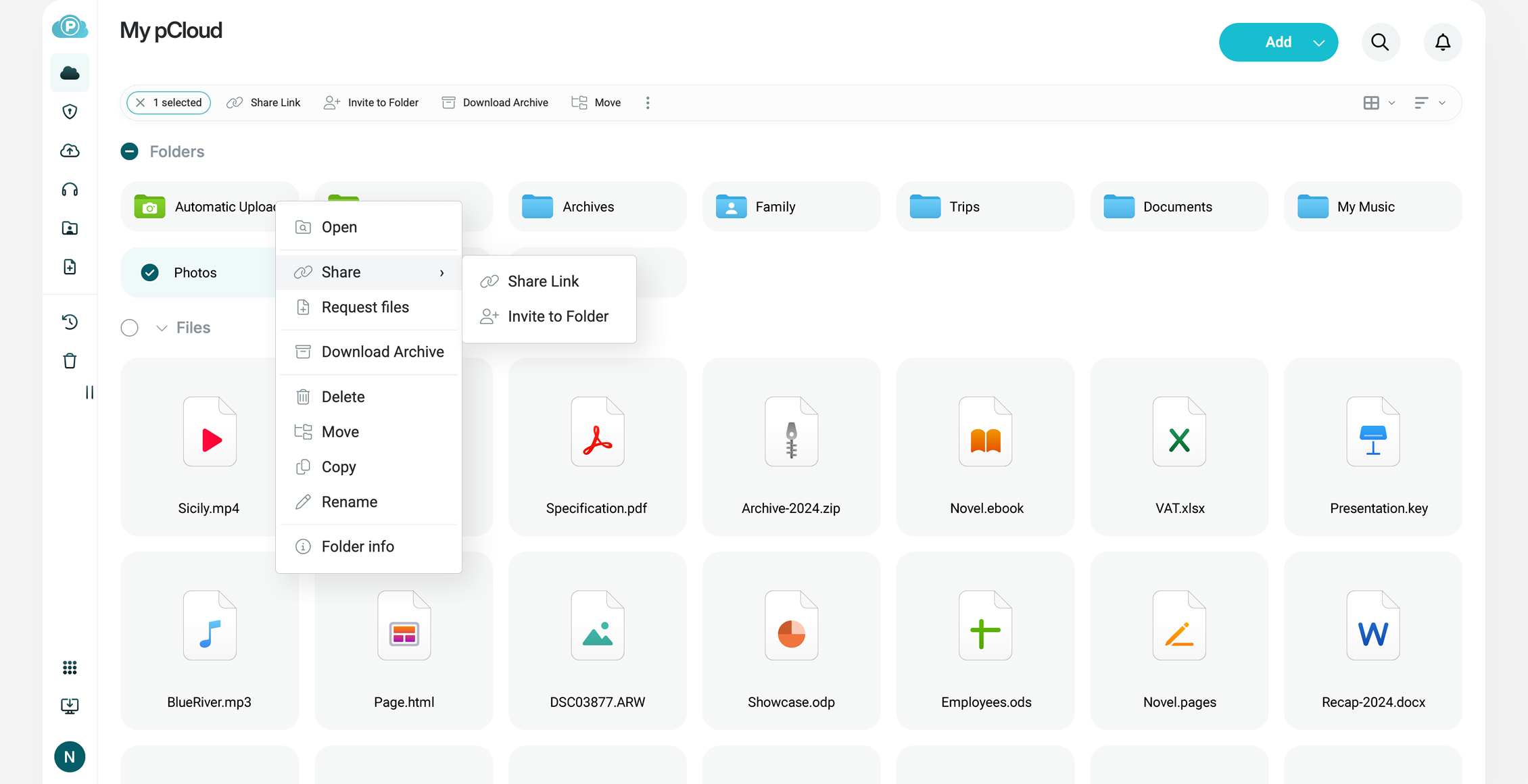
pCloud's sharing controls go further than you might expect from a consumer service. You can:
- protect download links with a password;
- set an expiry date so a link stops working after a deadline;
- create shared folders that collaborators can open and edit;
- send upload request links so clients or colleagues can drop files into your storage without an account of their own;
- apply your own branding to shared links, which looks professional when delivering work to clients.
All of these come with every Premium plan rather than being reserved for business tiers. For a photographer delivering galleries, an agency sending final assets or anyone who shares big files often, that is a real step up from the more basic sharing options of Google Drive or Dropbox at similar prices.
Built-In Music and Video Streaming
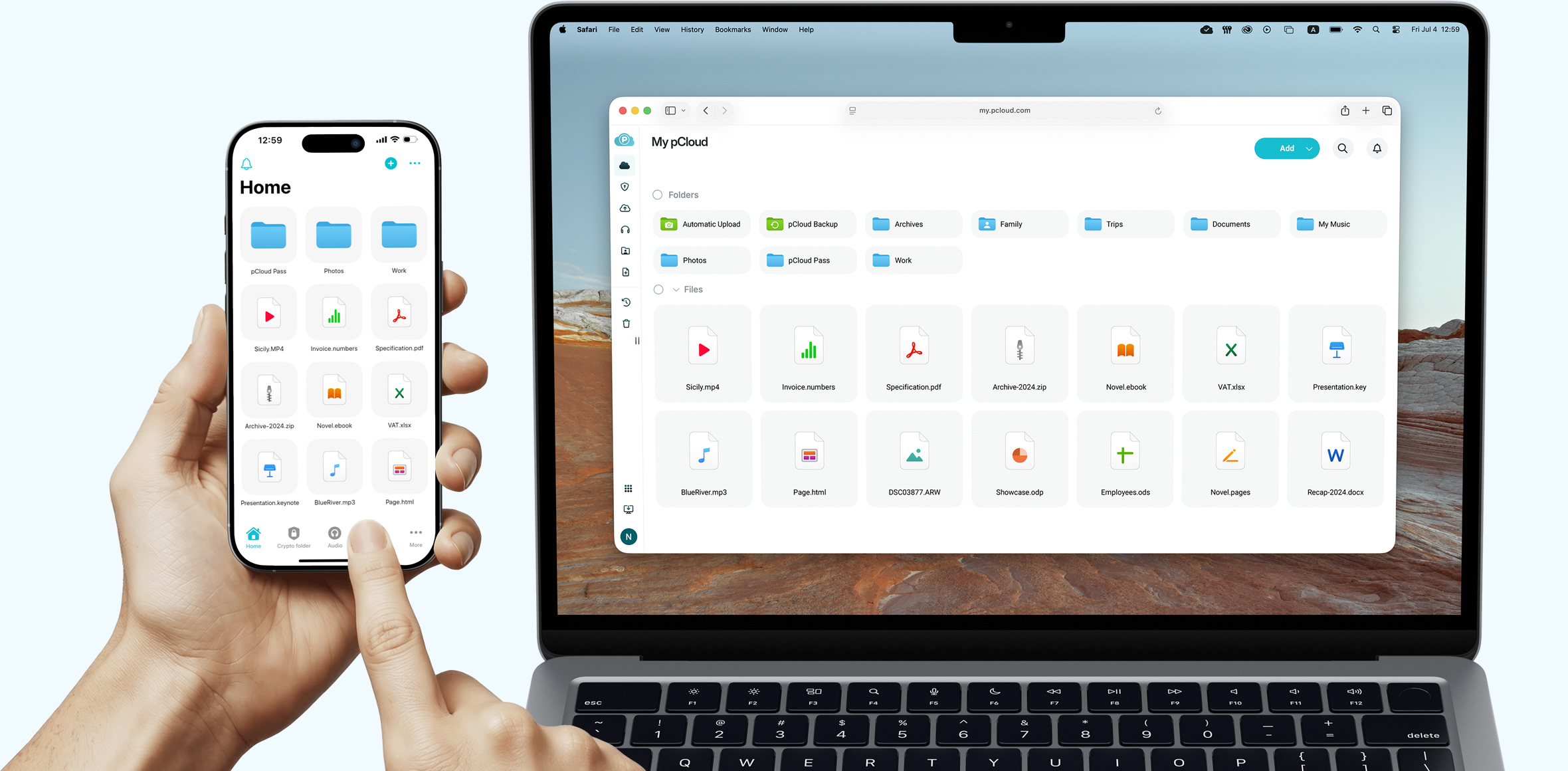
pCloud includes its own audio and video player, so you can play media straight from your storage without downloading it first. It works on desktop and mobile, which turns your account into a personal media library as well as a backup.
For videographers and photographers with big archives, the ability to preview a clip or check a file from the cloud without syncing it locally saves both time and disk space. Music collectors who keep their own files rather than relying on streaming services will find this useful too.
Sync, Virtual Drive and Automatic Backups
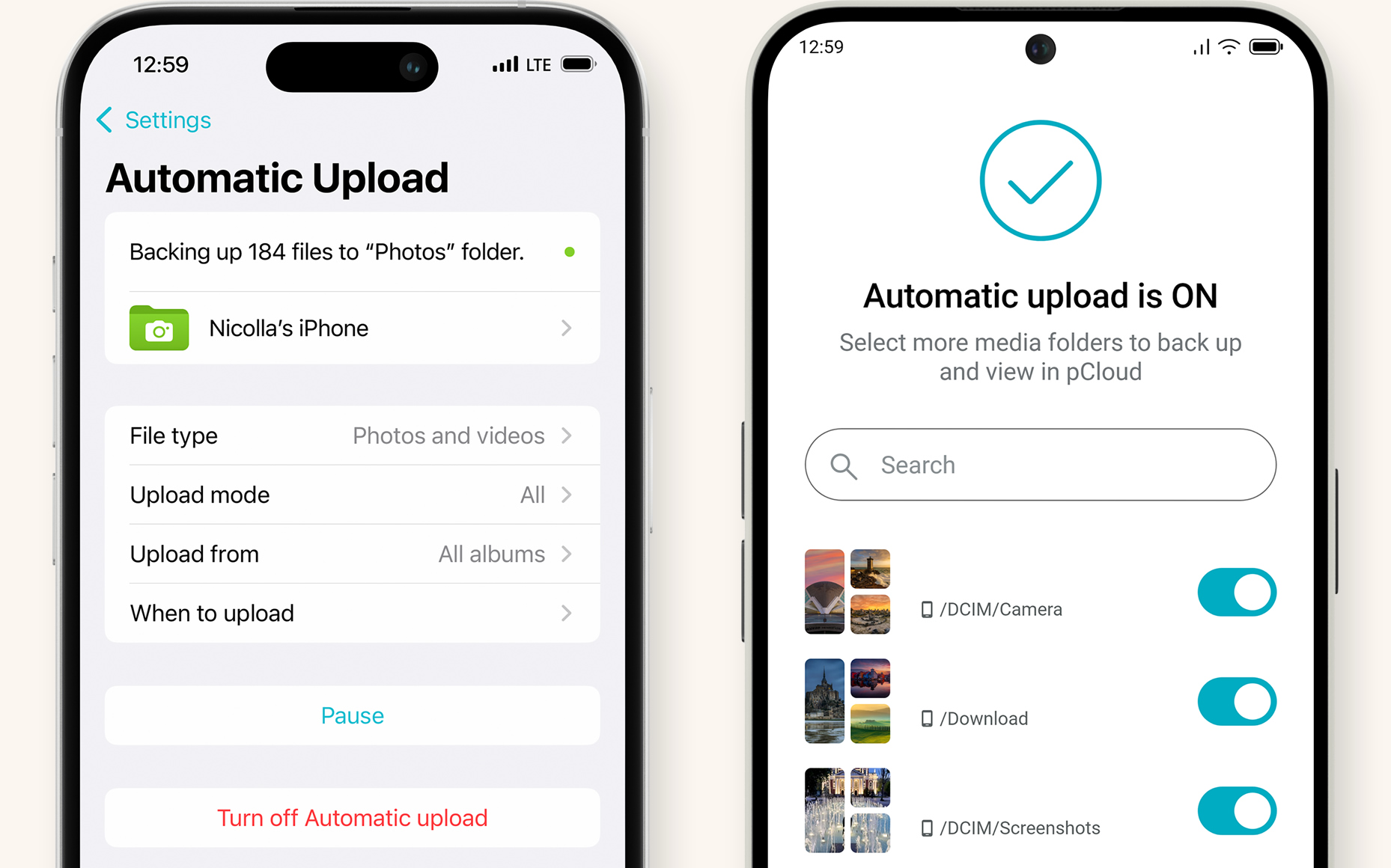
Changes sync automatically across desktops, laptops, phones and tablets. On mobile, the app can back up your camera roll on its own, so new photos are protected without any manual step.
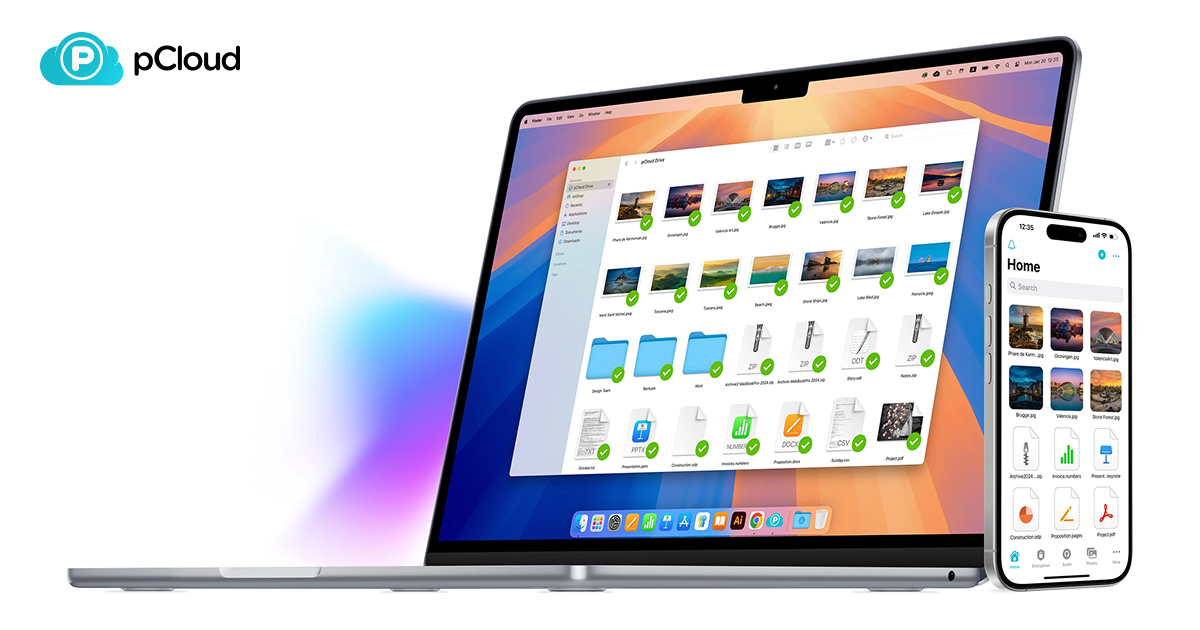
On computers, pCloud installs a virtual drive. Your whole cloud library shows up like a regular disk in Finder or File Explorer, yet the files don't occupy local storage until you open them. This is especially handy on laptops with small SSDs: you can browse terabytes of data while keeping your internal drive free.
You can also mark files for offline use. They stay available with no connection, and any edits upload once you're back online. Frequent travelers and people who work across several devices get the biggest benefit here.
pCloud Pricing: Annual Subscriptions vs Lifetime Plans
Offering both yearly and one-time pricing is rare in this market. Here are the current figures at the time of writing:
| Plan | Annual price | Lifetime price |
|---|---|---|
| Premium 500GB | $49.99/year (was $59.88) | $199 (was $299) |
| Premium Plus 2TB | $99.99/year (was $119.88) | $399 (was $599) |
| Ultra 10TB | $299.99/year (was $359.88) | $1,190 (was $1,890) |
Both billing styles unlock the same core features: encryption, sync, sharing controls, media streaming, file versioning, 30-day recovery, unlimited upload speed and the EU/US region choice. Every purchase carries a 14-day money-back guarantee, so you can test the apps with your own files before committing. You'll find the full plan list on the official pCloud website.
Does the Lifetime Plan Pay Off?
Compared with the yearly price, Premium 500GB Lifetime at $199 recovers its cost in under four years, and Premium Plus 2TB Lifetime at $399 breaks even in roughly four years against the $99.99 subscription. Everything after that point is storage you aren't paying for. Cloud storage prices have also tended to rise over time, so a one-time purchase protects you from future increases.
The honest caveat is that a Lifetime plan is a long-term bet on the company. pCloud's decade-plus track record and large user base make that bet more comfortable, but if you only need storage for a year or two, the annual plan is the smarter choice.
Pros and Cons
Pros
- One-time Lifetime plans remove recurring bills
- Swiss privacy law and a choice of EU or US data storage
- 256-bit AES encryption with an optional zero-knowledge layer
- No file size limit and no throttled speeds
- Advanced sharing: passwords, expiry dates, upload requests, branded links
- Built-in audio and video streaming
- Virtual drive saves local disk space
- 30-day recovery and versioning on every plan
Cons
- Client-side encryption costs extra
- Lifetime plans require a large upfront payment
- Fewer built-in office and productivity tools than Google or Microsoft ecosystems
Who Should Choose pCloud, and Who Should Skip It
Good fit: people tired of monthly storage fees, privacy-conscious users, creatives with large media libraries, freelancers who share client files and anyone planning to keep the same storage for many years.
Maybe not: teams deeply invested in Google Workspace or Microsoft 365 collaboration, or anyone who only needs a small amount of temporary storage and doesn't want to pay upfront.
What Tech Reviewers Say
Independent coverage has been broadly positive. TechRadar praised pCloud's value, its generous free tier and its social media integration. Cloudwards highlighted the backup options, upload speed and sharing controls, noting that none of these come at the expense of privacy. Gizmodo pointed to strong performance, password-protected and expiring share links, and Lifetime plans it considers unmatched. User reviews on G2 echo the same themes: security, Lifetime value and long-term reliability.
pCloud Review FAQ
Is pCloud safe to use?
Yes. Files are encrypted in transit and at rest with 256-bit AES, the company is governed by Swiss privacy law, and you can add zero-knowledge pCloud Encryption for the most sensitive documents.
Is the pCloud Lifetime plan a one-time payment?
Yes. You pay once and keep the storage, with no renewals. Prices start at $199 for 500GB at the time of writing.
Can I get a refund if pCloud isn't right for me?
Every purchase comes with a 14-day money-back guarantee.
Does pCloud work on Linux?
Yes. There are apps for Linux, Windows and Mac, plus iOS, Android and a full web version.
Is pCloud better than Google Drive?
For privacy, large files, sharing controls and long-term cost, pCloud has clear advantages. Google Drive remains stronger if your work revolves around Google Docs and real-time document editing.
Verdict: Is pCloud Worth It in 2026?
pCloud combines serious privacy, a complete feature set and a pricing model that lets you stop paying for storage altogether. The missing piece in the base plans is client-side encryption, which costs extra, but everything else a typical user needs is included. For most people, Premium Plus 2TB Lifetime at $399 (down from $599) is the sweet spot between capacity and cost, while Premium 500GB at $199 suits lighter users.
If you want to compare plans yourself, start on the pCloud plans page and remember that the 14-day refund window gives you room to try it risk-free.